
IPTV USA
You want reliable, flexible TV without the cable bill, and IPTV in the USA delivers that—live channels, sports, and on-demand content over the internet. If you want a cost-effective way to stream American channels, major sports, and international feeds on devices like Firestick, Roku, or Shield, IPTV can provide comparable channel coverage and 4K options when you pick a reputable provider.
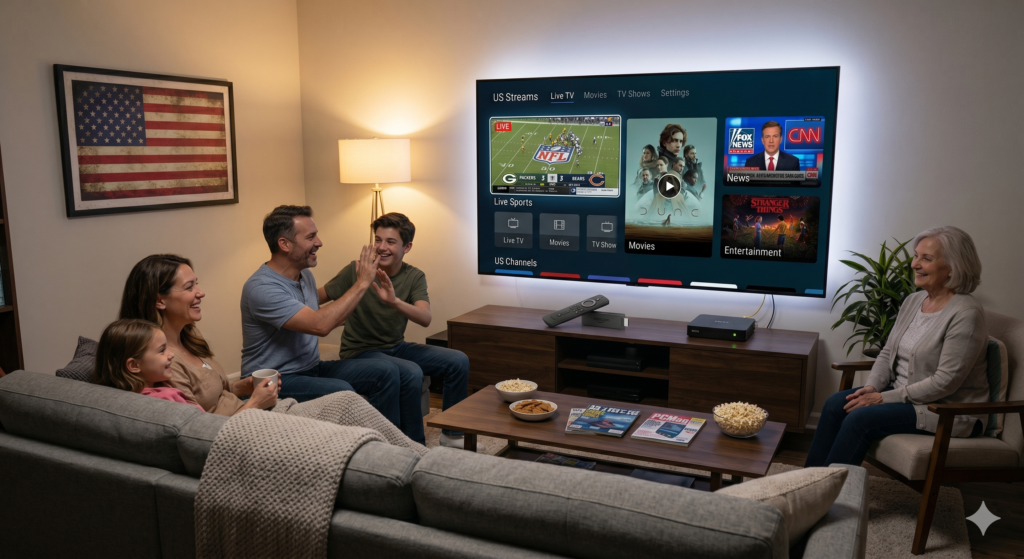
This guide shows how IPTV works in the United States, compares popular services, and helps you choose, install, and secure the right solution for your setup. Expect clear steps on setup and performance tips so you can watch smoothly and protect your privacy while keeping an eye on legal and future trends. (New to the terminology? Start with our plain-English DEIPTV and IPTV explainer.)
How IPTV USA Works in the United States
IPTV delivers television over your internet connection instead of through cable or satellite. It can provide live channels, on-demand libraries, and time-shifted TV using different delivery methods and business models.

Types of IPTV Services
You’ll encounter three primary IPTV models in the U.S.: live IPTV, video-on-demand (VOD), and time-shifted TV.
- Live IPTV streams channels in real time and mirrors traditional broadcast schedules. You’ll use it for news, sports, and channels that require synchronized viewing.
- VOD lets you request specific movies or shows anytime. This model powers most streaming libraries and pay-per-view services.
- Time-shifted TV (catch-up/DVR-like) stores recent broadcasts so you can watch programs that already aired. It’s useful when you miss a live event or want to skip commercials.
Providers bundle these models differently. Some sell channel packages with VOD and cloud-DVR included. Others offer standalone VOD catalogs or pay-per-view sports and events.
Technology Behind IPTV
IPTV uses IP networks to carry video as data packets rather than analog signals. Your provider encodes video into compressed formats (H.264/H.265), then segments it and sends it via unicast or multicast streams.
- Unicast addresses individual streams to your device, so each viewer gets a separate connection. It’s bandwidth-intensive but flexible for on-demand content.
- Multicast sends one stream to many users simultaneously, which is efficient for live channels but needs network and provider support.
Key components you interact with include a middleware platform (user interface, authentication, EPG), content delivery networks (CDNs) to distribute video geographically, and client apps or set-top boxes that decode and render video on your TV or device. Adaptive bitrate streaming adjusts quality in real time to match your connection and reduce buffering.
Legal and Regulatory Environment
You must distinguish licensed IPTV services from unlicensed ones. Licensed providers secure distribution rights for channels and on-demand titles, pay licensing fees, and comply with copyright law. Using licensed services reduces the risk of service shutdowns, DMCA notices, or legal penalties.
Unlicensed or “gray market” IPTV services often promise low prices but may redistribute copyrighted channels without permission. These services can be unreliable, lose channels suddenly, and expose you to legal and security risks.
Regulatory oversight in the U.S. involves copyright enforcement (DMCA), FCC rules for certain transmission practices, and contractual obligations between content owners and distributors. Confirm a provider’s licensing, transparent refund and privacy policies, and whether they offer official apps on mainstream platforms before subscribing.
Popular IPTV Service Providers
You’ll find subscription services that prioritize channel depth, reliability, and device support; and free options that sacrifice some stability for no-cost access. Focus on channel lineup, legal status, and playback quality when choosing.
Top-Rated Subscription Services
Paid IPTV services typically deliver large channel libraries, live sports access, and 4K VOD. Look for providers that list legal licensing, 24/7 support, and multiple concurrent streams.
Examples you’ll encounter include providers that advertise 20,000+ channels and 100,000+ VOD titles, plus dedicated apps for Firestick, Android TV, and Roku. Those providers usually offer EPG integration, cloud PVR, and anti-freeze/anti-buffering claims to improve live sports viewing.
Key selection criteria:
- Channel coverage: national networks, regional locals, and major sports leagues.
- Bitrate/quality: 1080p and 4K availability for flagship channels.
- Device compatibility: native apps for Fire TV, Shield, and web players.
- Support & trials: 24-hour trial or money-back window helps test reliability.
Major Free-to-Access Options
Free IPTV sources include ad-supported streams, public broadcaster apps, and community-maintained playlists. You can get local news, public channels, and some international feeds without a subscription. However, expect limited reliability, missing EPG data, and variable stream quality.
What to watch for:
- Legitimacy: prefer official broadcaster streams (PBS, local news apps) over anonymous playlists.
- Stability: free streams often drop during peak events; have a backup source.
- Privacy: free players may request broad permissions—review them before installing.
- Ad load: many free apps insert ads or redirect to third-party sites.
Comparison of Leading Platforms
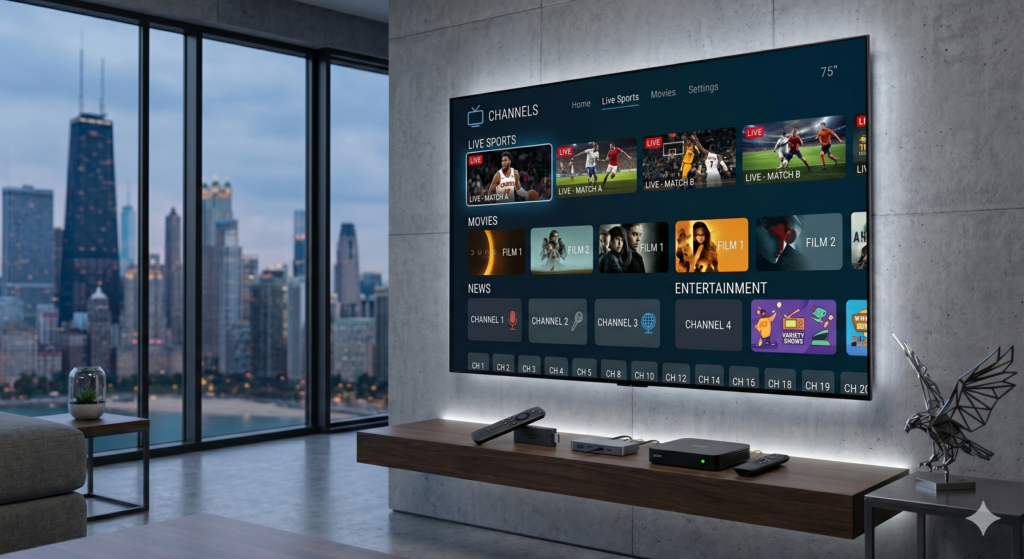
Compare providers across measurable features so you can pick the best fit for your viewing habits.
- Channels & Content
- Subscription: wide selection including regional sports and premium VOD.
- Free: limited to public and niche channels.
- Quality & Reliability
- Subscription: higher average bitrate, fewer interruptions.
- Free: variable bitrate; more buffering during live events.
- Device Support
- Subscription: native apps for Firestick, Android TV, Roku, and M3U/XTream codes.
- Free: predominantly web/third‑party player support.
- Cost & Trials
- Subscription: monthly or yearly plans; some offer short trials.
- Free: no cost, but potential hidden trade-offs (ads, permissions).
Use this checklist to compare any provider: channel list, sample stream URLs/bitrate, device compatibility, refund/trial policy, and evidence of licensing.
Choosing the Right IPTV Solution

Focus on the channels and on-demand titles you actually watch, confirm the devices and apps you own will run the service, and verify the provider’s uptime history and support options before you subscribe.
Evaluating Content Libraries
List the exact channels and on-demand shows you need before comparing providers. Prioritize live sports packages, local network availability, and premium movie channels if those matter to you. Check whether the provider offers regional feeds, PPV events, or Pay-TV add-ons; these often require separate pricing.
Look for details on resolution and bitrate — 4K or HDR labeling alone doesn’t guarantee consistent quality. Ask about simultaneous streams and family profiles so multiple users won’t compete for bandwidth. Finally, review the provider’s content update cadence and VOD catalog size; frequent updates and a searchable archive improve long-term value.
Compatibility With Devices
Inventory your devices: list smart TVs (make/model), streaming sticks (Fire TV, Roku), Android/iOS phones, and routers. Confirm the IPTV app supports your exact device models and OS versions. Some providers supply native apps; others rely on third-party players (e.g., IPTV Smarters, TiviMate), which affects features like EPG, parental controls, and DVR.
Check whether the service supports casting (Chromecast), Ethernet vs. Wi‑Fi performance, and VPN use if you travel. Verify simultaneous connection limits per account and whether the provider issues M3U or Xtream Codes for advanced setups. If you plan to use a Firestick or Android TV, confirm sideloading instructions and any required firewall/router settings.
Customer Support and Reliability
Demand clear uptime guarantees and historical performance reports when possible. Look for providers offering real-time status pages, 24/7 chat or ticketing, and telephone support if you need immediate resolution during live events. Response time targets (e.g., under one hour for high-severity outages) indicate mature support.
Check refund and trial policies: a refundable trial or short-term plan lets you test stream stability during peak sports moments. Read recent user reports about buffering, channel dropouts, and EPG accuracy. Finally, confirm backup streams and CDN usage — multiple CDNs and regional POPs reduce single-point failures and improve consistency for your location.
Installation and Setup
You will connect one or more devices to your home network and install an IPTV-capable app, then load your provider’s playlist or login credentials. Power, Ethernet/Wi‑Fi, and the correct app/build are the most common failure points to check first.
Connecting Hardware
Start with a wired Ethernet connection when possible; it gives the most stable bandwidth for live channels and avoids buffering. If you must use Wi‑Fi, place the device within 10–15 feet of the router and use 5 GHz for lower interference.
Ensure the device (Fire TV, Android TV box, Smart TV, MAG box, Apple TV, or PC) has the latest OS updates installed before connecting to the IPTV service.
Hook the device to the TV using HDMI 2.0 or higher for HD/4K video and set the TV’s HDMI mode to match (e.g., 60Hz, 4K). For Android boxes and MAG devices, attach power, Ethernet, and any IR receiver you use for remote control.
Test network speed with a brief video stream or speed test app; aim for 15–25 Mbps for stable 1080p and 25–50+ Mbps for multiple 4K streams.
Software Configuration
Choose an app that matches your provider’s delivery method: M3U playlists, Xtream Codes (username/password/portal), or dedicated provider apps. Popular options include IPTV Smarters, TiviMate, VLC, and native provider apps on Fire OS or Android TV.
Install the app from the device store or sideload if the store version isn’t available. For sideloads on Firestick, enable Apps from Unknown Sources and use a downloader app.
Load credentials exactly as provided: paste the M3U URL or enter the gateway server, username, and password. After login, set the correct stream protocol (HTTP/TS or HLS) in app settings if available.
Adjust player buffer to 3–6 seconds to reduce stutter, enable hardware acceleration for supported devices, and configure EPG timezone to match your local listings. Test several channels and check for audio/video sync issues; if issues persist, switch protocol or increase buffer size.
Safety, Privacy, and Security
You need concrete steps to keep your IPTV use private, secure, and legal. Focus on protecting account data, device integrity, and choosing licensed services.
Protecting User Data
Use unique passwords and enable two-factor authentication (2FA) on any IPTV account or associated email to block account takeover. Store credentials in a reputable password manager rather than a browser or plain text file.
Keep devices patched: install OS and app updates for smart TVs, streaming boxes, and mobile devices to close known vulnerabilities. Run antivirus or endpoint protection on computers used for IPTV, and disable unused services like remote debugging.
Limit permissions for IPTV apps. Grant only necessary access (network and storage when needed) and revoke microphone or location access. Use a separate streaming device or guest user profile if your primary device holds sensitive accounts.
Consider a VPN that has a strict no-logs policy and fast, stable servers if you need encrypted transit on untrusted Wi‑Fi. Confirm the VPN permits streaming and won’t throttle bandwidth. Note that a VPN protects network privacy but does not legalize access to pirated content.
Avoiding Illegal Services
Check provider legitimacy before subscribing: verify business contact details, registered payment processors, and a public channel/license list. Licensed services will list content partners or network agreements; absence of this information is a red flag.
Watch for common warning signs of illegal IPTV: extremely low subscription prices for premium channels, lack of customer support, frequent domain or app changes, and payment via anonymous methods like gift cards or direct crypto without identity checks.
Use trial periods and test streams to confirm channel reliability and metadata correctness (EPG accuracy, correct regional feeds). If a provider offers every premium channel at a fraction of standard cost, assume piracy and avoid it to reduce legal and security risks.
Keep receipts and subscription records for services you use. Report clearly illegal services to your payment provider or relevant copyright authority if you suspect piracy.
Streaming Quality and Performance Factors
You need a stable connection, sufficient upload/download capacity, and efficient encoding to avoid buffering and preserve clarity. Server performance and adaptive bitrate handling determine whether live sports or 4K playback will stay smooth under varying network conditions.
Bandwidth and Internet Requirements
You should plan for at least 5–8 Mbps for consistent 1080p streams and 15–25 Mbps for single 4K streams. These figures assume minimal other traffic; if multiple devices or simultaneous streams share the same home network, multiply the target bandwidth accordingly.
Use a wired Ethernet connection when possible to reduce latency and packet loss. If you must use Wi‑Fi, place the router close to your streaming device, use 5 GHz bands, and enable QoS or band steering to prioritize IPTV traffic.
Check your ISP’s upload stability and latency as well as raw download speed. Even with high peak speeds, frequent jitter or packet loss will trigger buffering; run tests at the times you actually watch live events to get realistic numbers.
Impact of Compression Technology
Compression decides the trade-off between bitrate and visible detail. Modern codecs like H.264, H.265 (HEVC), and AV1 increase visual quality at lower bitrates compared with older codecs, so the codec used by your provider directly affects required bandwidth and device compatibility.
Adaptive Bitrate Streaming (ABR) helps maintain playback by switching between quality ladders based on real‑time throughput. You should verify that the provider supports ABR and offers multiple resolution/bitrate profiles for the same stream to minimize interruptions during variable network conditions.
Consider decoder support on your device; a provider might deliver HEVC or AV1 streams that your set‑top box or Smart TV cannot hardware‑decode, forcing software decoding and higher CPU use, which can cause dropped frames or overheating.