
IPTV Solutions for Every Home: One TV, Multi-Room, Sports or International
There is no single way to watch TV anymore. Our IPTV solutions are built around how your household actually watches: one living-room screen, several TVs at once, live sports every weekend or channels from another country.
Pick the setup that matches your home, test it for 24 hours for $2, and keep the devices you already own.
Pay with PayPal, Venmo, Amazon Pay or Google Pay · 3-day refund on eligible orders · Instant activation

One service behind every setup we recommend
Table of Contents
What IPTV Solutions Mean for a US Household
In the business world, IPTV solutions usually mean hotel systems or corporate video networks. For a household, the idea is simpler: a TV service delivered over your internet connection, set up in a way that fits your screens, your schedule and your budget.
The service itself is the same for everyone: 42,000+ live channels, a library of more than 125,000 movies and series, a program guide and catch-up. What changes from one home to the next is the solution around it: how many simultaneous streams you need, which devices and apps you use, and which channels matter most.
Thinking in terms of IPTV solutions, rather than just a subscription, saves money. Many people pay for screens they never use or buy a plan that cannot cover two games at the same time. Matching the setup to your home avoids both mistakes.
IPTV Solutions by Household Type
These six setups cover almost every home we work with. Find the one closest to yours, then check the plan that goes with it.
Single-screen cord cutter
One main TV, maybe a phone on the side. A 1-connection plan is enough, and the 12-month option keeps the cost near $5 per month.
Couple with two TVs
Living room and bedroom, sometimes at the same time. A 2-connection plan lets both screens play without logging anyone out.
Sports-first household
Weekend games, fight nights and PPV events. Stability at peak hours matters most, plus a wired connection for 4K.
International family
News and shows from the home country, US channels for the kids. One account replaces several separate apps.
Movie and series lovers
More on-demand than live TV. The 125,000-title library and catch-up do the heavy lifting here.
Frequent traveler
A phone or tablet on the road and a Fire Stick packed in the bag. The same login works wherever there is decent internet.
Choosing Between Solutions: A Quick Decision Guide
Still not sure which setup is right? Answer these five questions honestly and the choice usually becomes obvious.
- How many people watch at the same time on a normal evening? One means a single connection is enough. Two or more points to a multi-room plan.
- What do you watch most? Live sports and news call for a stable connection and a good guide. Movies and series call for a player with a strong on-demand section.
- Which devices do you already own? List every TV, stick, box, phone and computer. Our service runs on almost all of them, so you rarely need to buy anything.
- How fast is your internet? Check the speed on the device you will use. Below 10 Mbps, stick to HD; above 25 Mbps, 4K becomes comfortable.
- How long do you want to commit? If you are unsure, start with the $2 trial and then one month. Once you are happy, the 12-month plan offers the lowest monthly cost.
Write down your answers and send them to support on WhatsApp. We reply with a concrete recommendation: the plan, the number of connections, the app for each device and the settings to use. It takes a few minutes and avoids paying for more than you need.
Whichever setup you choose, the core service stays identical: the same channels, the same library, the same guide and the same support team. You can move between IPTV solutions later by changing your plan, without reinstalling anything on your devices.
The Plans Behind Every Solution
All IPTV solutions on this page run on the same two plan families. Choose one connection for a single screen at a time, or two connections for two screens at once. Longer plans cost less per month.
1 connection: single-screen solutions
1 Month
- 42,000+ live channels
- 125,000+ movies & series
- 4K / FHD / HD quality
- TV guide & catch-up
- All devices, 24/7 support
3 Months
- 42,000+ live channels
- 125,000+ movies & series
- 4K / FHD / HD quality
- TV guide & catch-up
- All devices, 24/7 support
6 Months
- 42,000+ live channels
- 125,000+ movies & series
- 4K / FHD / HD quality
- TV guide & catch-up
- All devices, 24/7 support
12 Months
- 42,000+ live channels
- 125,000+ movies & series
- 4K / FHD / HD quality
- TV guide & catch-up
- All devices, 24/7 support
2 connections: multi-room solutions
1 Month
- 42,000+ live channels
- 125,000+ movies & series
- 4K / FHD / HD quality
- TV guide & catch-up
- All devices, 24/7 support
3 Months
- 42,000+ live channels
- 125,000+ movies & series
- 4K / FHD / HD quality
- TV guide & catch-up
- All devices, 24/7 support
6 Months
- 42,000+ live channels
- 125,000+ movies & series
- 4K / FHD / HD quality
- TV guide & catch-up
- All devices, 24/7 support
12 Months
- 42,000+ live channels
- 125,000+ movies & series
- 4K / FHD / HD quality
- TV guide & catch-up
- All devices, 24/7 support
Need three or more screens? Read the multiple-device guide or ask support for a custom package. You can also compare plans by device.
What Each Solution Costs Compared With Cable
One of the biggest advantages of switching is price. Here is what each setup costs per month on our longest plans, compared with a typical cable bill.
| Setup | SmartVPro monthly equivalent | Typical cable bill |
|---|---|---|
| Single-screen | About $5.42 (12-month, 1 connection) | Often $80 to $150 with fees |
| Two rooms at once | About $9.83 (12-month, 2 connections) | Extra box rental on top of the bill |
| Short-term test | $14.99 for one month | Installation fees and a contract |
Cable prices vary by city and provider, so compare against your own statement. Even our monthly plan, the most expensive way to buy, usually costs a fraction of a cable package, and none of our IPTV solutions require renting equipment or signing a long contract.
Single-Screen Solution: One TV, One Plan
This is the most popular of our IPTV solutions and the simplest to set up. You install a player app on your main TV or streaming stick, enter your login, and everything is in one place: live channels, the guide and the on-demand library.
- Best device: a Fire TV Stick 4K, an Android TV box or a recent Samsung or LG smart TV.
- Best app: IPTV Smarters Pro for simplicity, TiviMate for a cable-like guide.
- Best plan: 1 connection; the 12-month plan costs about $5.42 per month.
You can still install the app on your phone or tablet. Just remember that one connection means one stream at a time, so switch off the TV before watching on the phone.
Multi-Room Solutions: Several TVs at Once
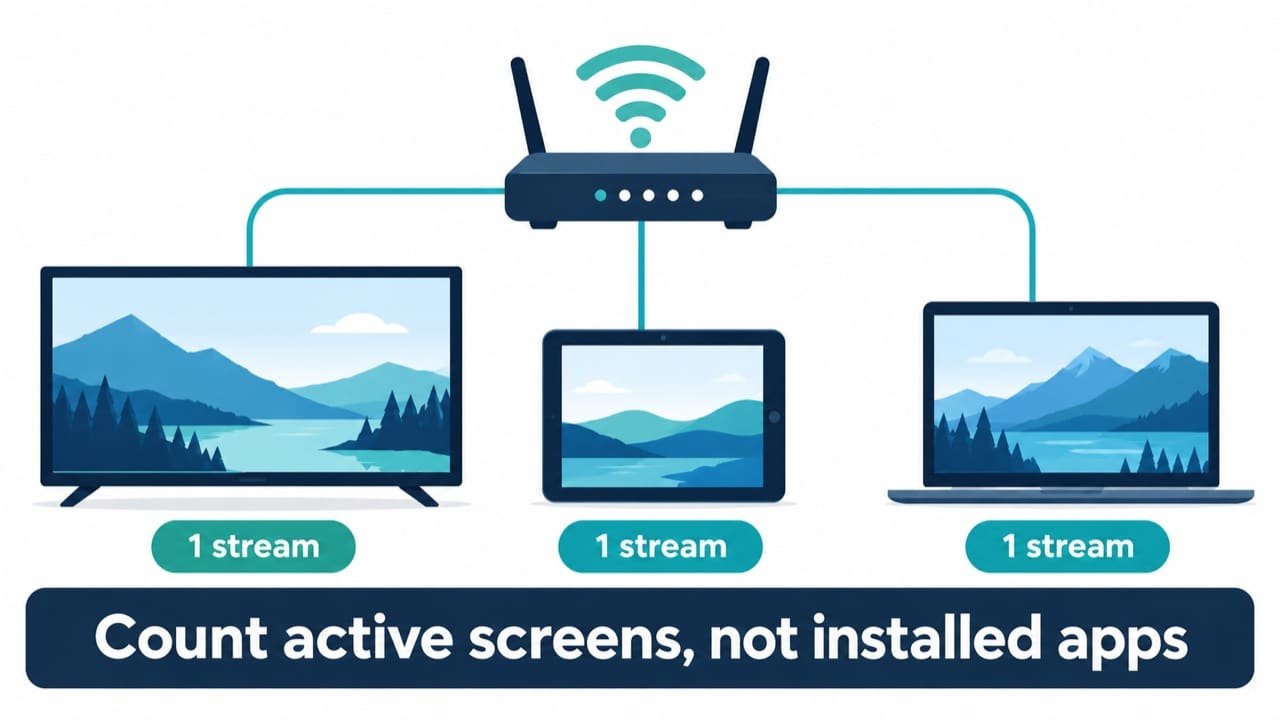
Multi-room IPTV solutions are about simultaneous streams, not the number of installed apps. You can install our service on ten devices, but only the number of connections in your plan can play at the same moment.
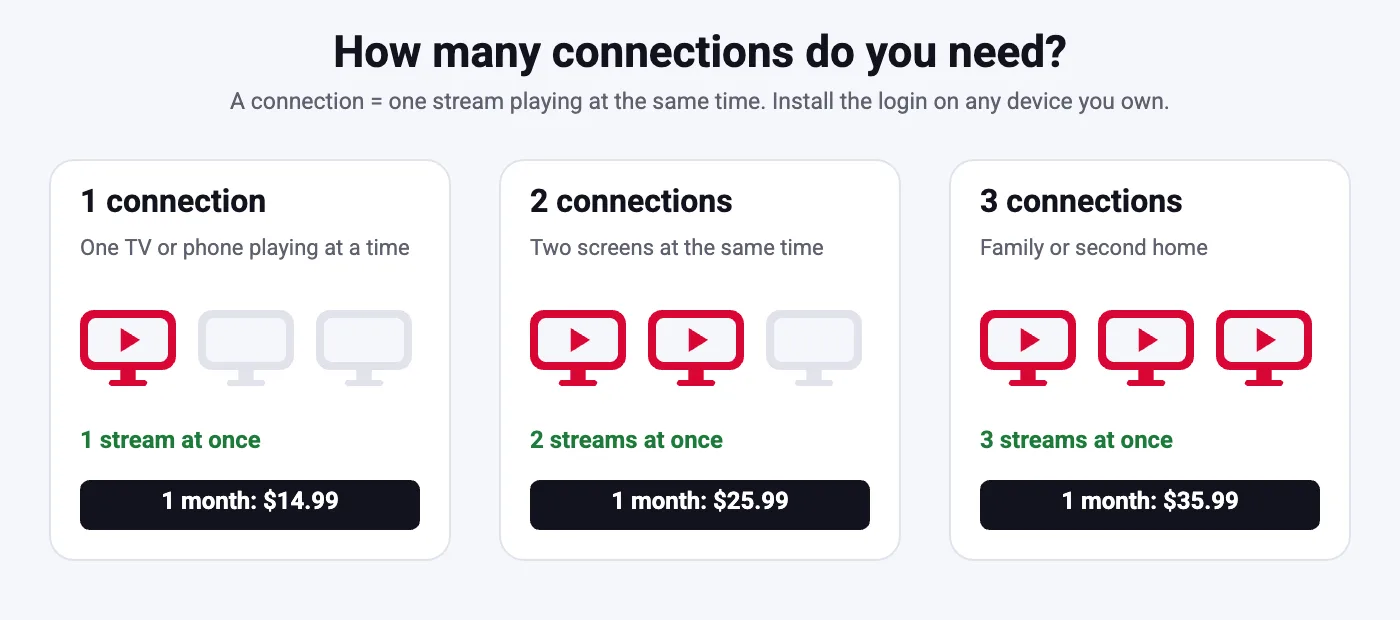
| Your home | Screens watching at once | Plan we suggest |
|---|---|---|
| Living room only | 1 | 1 connection |
| Living room plus bedroom | 2 | 2 connections |
| Family with teenagers | 3 or more | Custom package, ask support |
A good test: think about Sunday evening. If two people regularly want different programs at the same time, a 2-connection plan avoids arguments and error messages.
Solutions for Sports Fans
Sports are where weak services fail, because everyone tunes in at the same minute. Our IPTV solutions for sports fans combine three things: servers balanced for peak load, sports and PPV channels in every plan, and a few settings on your side that make a real difference.
- Use a wired connection for big games. Ethernet removes most Wi-Fi drops and lets 4K channels hold their quality.
- Pick a player with a good guide. TiviMate and IPTV Smarters show what is on now and next, so you find the game quickly.
- Keep a backup channel in favorites. Popular events are often available on more than one channel; save both.
- Test during a live event. Use the $2 trial on a game day to judge stability before committing.
Football, basketball, hockey, baseball, soccer, boxing and UFC are all covered across the season. Browse the channel list to confirm your teams’ networks.
Solutions for International and Bilingual Homes
Many households in the USA and Canada want two worlds on one screen: American channels for daily life and channels from home for news, culture and family shows. Our lineup includes channels from Latin America, the UK, Europe, the Middle East, Africa and Asia, organized by country.
Instead of paying for several separate apps, one account covers the whole family. Parents get news in their language, children get cartoons, and everyone shares the same guide. If you follow channels from a specific country, ask support before buying and we will check that they are included.
Viewers in other markets can also use our country pages: IPTV Canada, IPTV UK, IPTV Germany, IPTV France and IPTV Netherlands.
Solutions for Movie and Series Lovers
Some households barely watch live TV. They want a large library, good search and the ability to pick up where they left off. For them, the on-demand side of the service matters more than the channel count.
125,000+ titles
Recent films, classics and complete seasons of popular series, sorted by genre, year and language.
Resume and favorites
Most player apps remember where you stopped and let you build a watchlist for the whole family.
Catch-up TV
On supported channels, go back to shows that aired earlier instead of waiting for a rerun.
Apps such as TiviMate and IPTV Smarters Pro separate live TV, movies and series into different sections, which makes browsing on a TV remote comfortable. This kind of setup is one of the most relaxed IPTV solutions for evenings at home: no schedule, no commercials to sit through, and no extra subscription for each studio.
The Technology Behind Our IPTV Solutions
Every setup relies on the same building blocks. Understanding them makes installation easier and helps you choose the right app.
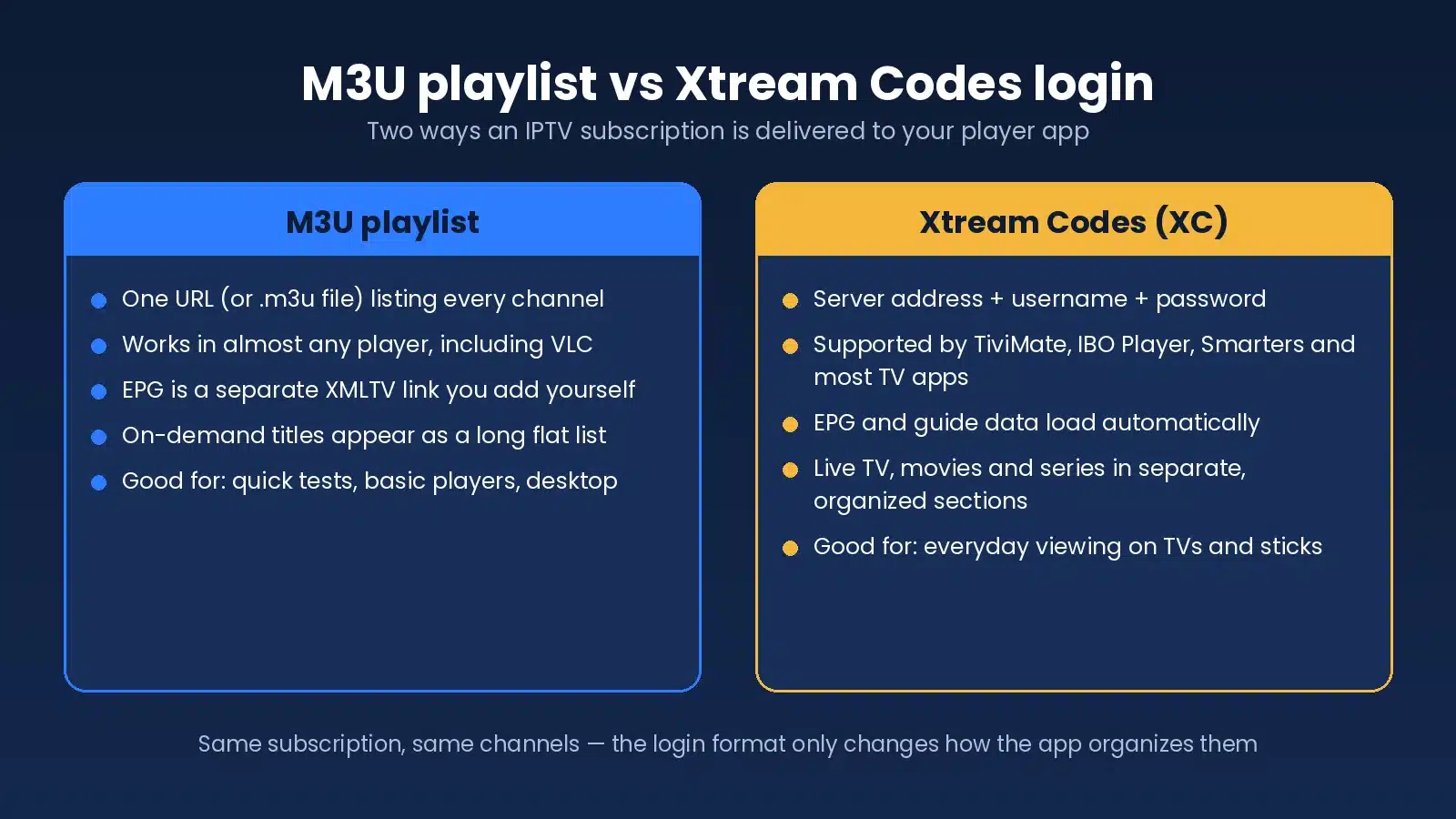
Xtream Codes login
Server URL, username and password. The guide loads automatically and live TV, movies and series appear in separate sections.
M3U playlist
A single link listing every channel. It works in almost any player, with the guide added as a separate link.
Player app
The app on your TV or phone that reads the login and shows channels. You choose the interface you prefer.
For background on the technology itself, see Wikipedia’s article on IPTV, or read our own explainer: what IPTV is and what it costs.
Setting Up Your Solution in 15 Minutes
- Choose the plan that fits your setup. One or two connections, for 1, 3, 6 or 12 months.
- Pay and receive your login. PayPal, Venmo, Amazon Pay or Google Pay; details arrive by email within minutes.
- Install a player app. On a Fire Stick, Android TV, smart TV, phone or computer.
- Enter your login and start watching. Add favorites and set the guide to your time zone.
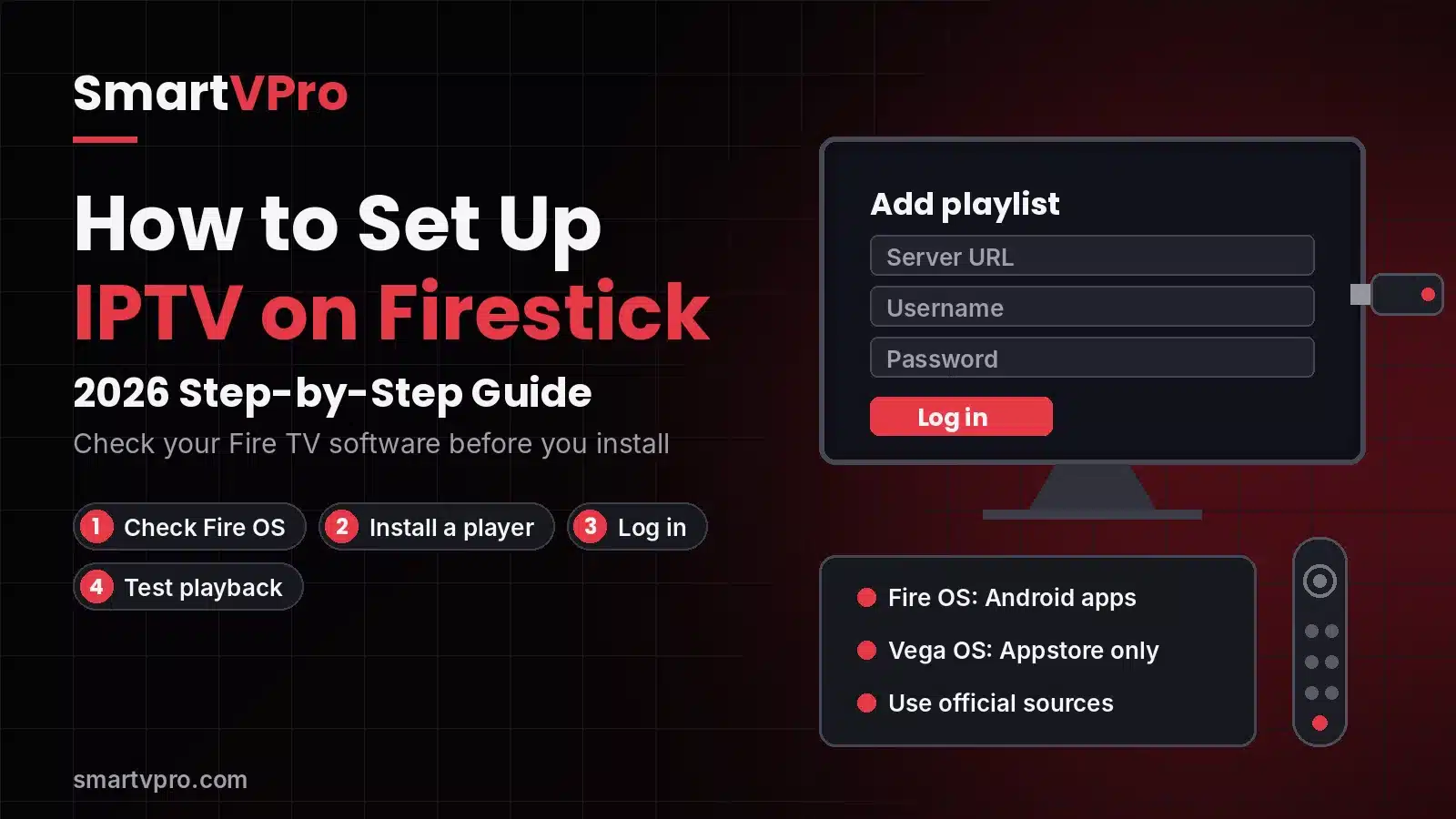
Full instructions for each device are in the installation tutorial. If you prefer, message support on WhatsApp and we will guide you live.
When Something Goes Wrong: Fast Fixes
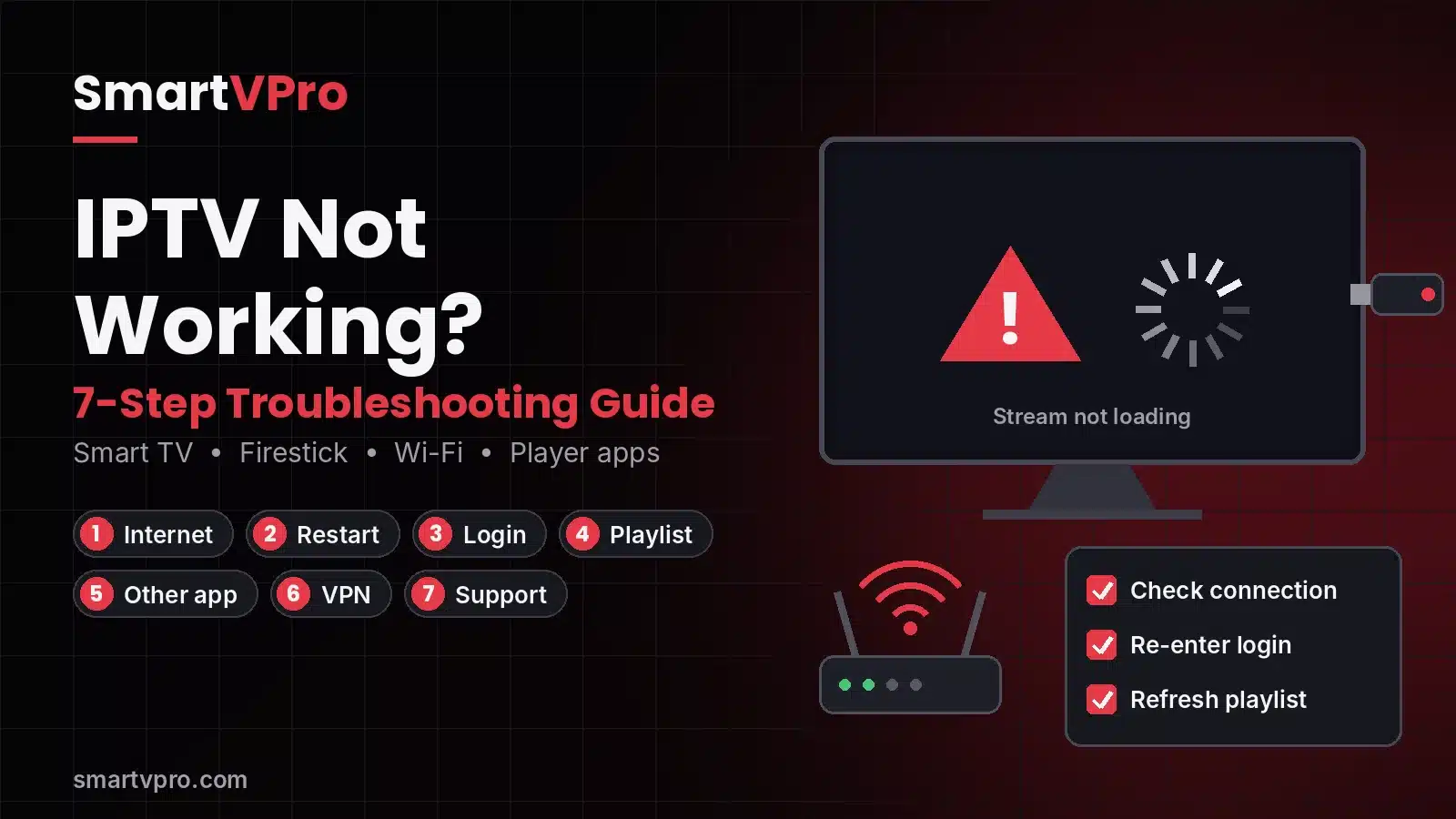
Even the best IPTV solutions run into the occasional hiccup: a slow Wi-Fi night, an app that needs an update, a channel that moved. Try these steps in order before contacting support.
- Restart the app, then the device, then the router.
- Check your internet speed on the same device.
- Switch to another channel to see if the issue is general or specific.
- Update the player app and refresh the playlist or guide.
- Still stuck? Send support the channel name, the device and the app, and we will check it.
Our guide to choosing an IPTV provider explains why fast support matters, and our customer reviews show how quickly issues get solved. For a broader comparison, see our page on finding the right IPTV provider.
IPTV Solutions FAQ
What are IPTV solutions for home users?
For a household, IPTV solutions are ways of setting up internet TV around your screens and habits: one TV, several rooms, sports, international channels or travel. The service is the same; the plan, devices and apps change.
Which IPTV solution is best for a single TV?
A 1-connection plan with a Fire TV Stick 4K or a recent smart TV. The 12-month plan works out to about $5.42 per month.
How do multi-room IPTV solutions work?
You install the app on every TV, but the number of screens playing at the same time is set by your plan. A 2-connection plan covers two rooms watching simultaneously.
Are your IPTV solutions good for live sports?
Yes. Sports and PPV channels are included, servers are balanced for peak load, and a wired connection keeps 4K stable. The $2 trial lets you test during a live game.
Do I need special equipment?
No. Our IPTV solutions run on devices you probably own: smart TVs, Fire TV, Android TV, Apple TV, phones, tablets and computers.
Can I watch international channels?
Yes. Channels from many countries are included and organized by country. Ask support to confirm specific channels before buying.
What internet speed do IPTV solutions need?
About 10 to 15 Mbps for HD and 25 Mbps or more for 4K per stream. Add more if several screens watch at once.
Can I try a solution before paying for a long plan?
Yes. The 24-hour trial costs $2 on one device. It is not free, but it lets you test on your own TV and internet.
How do I pay?
PayPal, Venmo, Amazon Pay or Google Pay. Activation is instant after payment and your login arrives by email.
What if the solution I picked does not fit?
Eligible orders are covered by our 3-day refund policy, and support can help you switch to a plan with more or fewer connections.
Find the IPTV solution that fits your home
Tell us how many TVs you have and what you watch. We will match you with the smallest plan that works, from $14.99 per month.